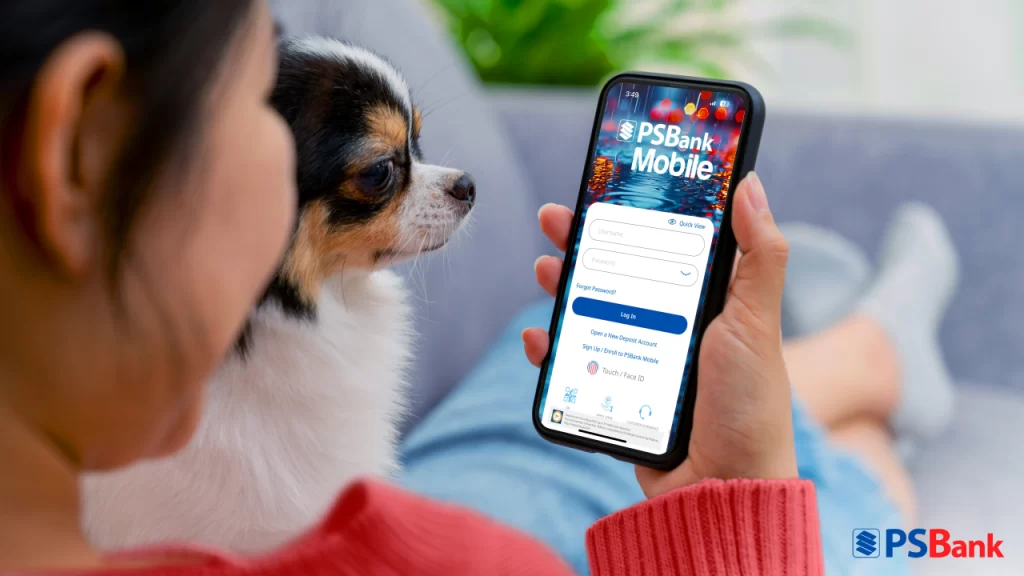
Rain or shine, managing your finances doesn’t have to mean stepping out of the house. With PSBank Mobile, you can take care of essential banking tasks right from your phone—securely and conveniently—whether you’re at home, at work, or on the go.
Designed for busy individuals who want more control over their time, PSBank Mobile offers a range of features that make banking easy and accessible, all in one app.
1. Pay Bills Without the Hassle
Skip the long lines and avoid juggling multiple apps. With PSBank Mobile, you can pay utilities, credit cards, loans, real estate fees, and school tuition directly from your phone. Scheduled payments ensure you never miss a due date.
2. Reload Toll RFID in Real Time
Running low on toll credits? Instantly top up your Autosweep and Easytrip RFID accounts through the app. Save your RFID details for even faster reloading on your next trip.
3. Send Money Instantly
Transfer funds anytime via InstaPay or PESONet, or use QR code scanning for quick and secure transactions. Perfect for sending allowances, paying suppliers, or settling bills without leaving home.
4. Lock or Unlock Your ATM Card Anytime
Misplaced your card? Secure your account instantly by locking your ATM card through the app. Unlock it just as easily when you’re ready to use it again.
5. Start a Mobile Time Deposit Account
Grow your savings by opening a time deposit via the app, starting with as little as ₱10,000. Choose from 30, 60, or 90-day terms to suit your financial goals.
6. Deposit Checks in a Snap
Deposit checks to your personal account without visiting a branch. Just take a photo, submit it through the app, and wait for confirmation.
Banking Made Simple—Anytime, Anywhere
Whether you’re avoiding the rain or simply enjoying a quiet day at home, PSBank Mobile helps you stay on top of your finances without the hassle. Download the PSBank Mobile App today via the Apple App Store, Google Play Store, or Huawei AppGallery. For more details, visit psbank.com.ph or follow PSBank on Facebook.
FAQ
Q: What can I do with PSBank Mobile?
A: You can pay bills, reload toll RFID, send money, lock/unlock your ATM card, open a time deposit, and deposit checks—all through the app.
Q: Is it safe to use PSBank Mobile?
A: Yes. The app uses secure authentication and encryption to protect your transactions and account information.
Q: Can I schedule payments through the app?
A: Yes, PSBank Mobile allows you to set up scheduled bill payments so you never miss a due date.
Q: How quickly can I reload my Autosweep or Easytrip RFID?
A: Reloads are credited instantly, so you’re always ready for the road.