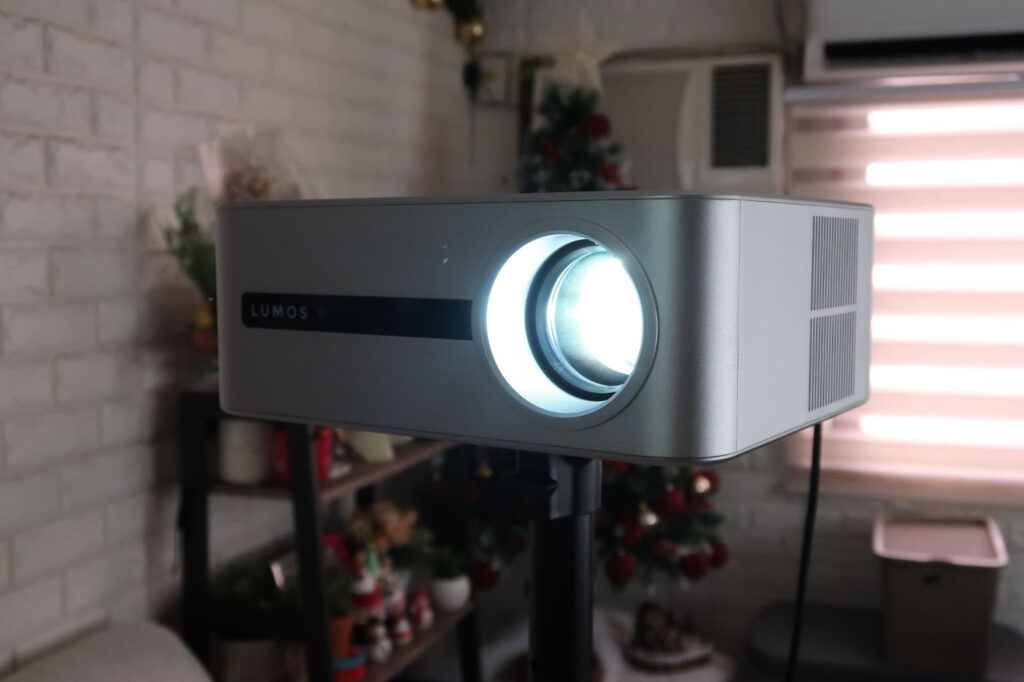
Full Review & First Impressions of the LUMOS DAYSTAR Projector
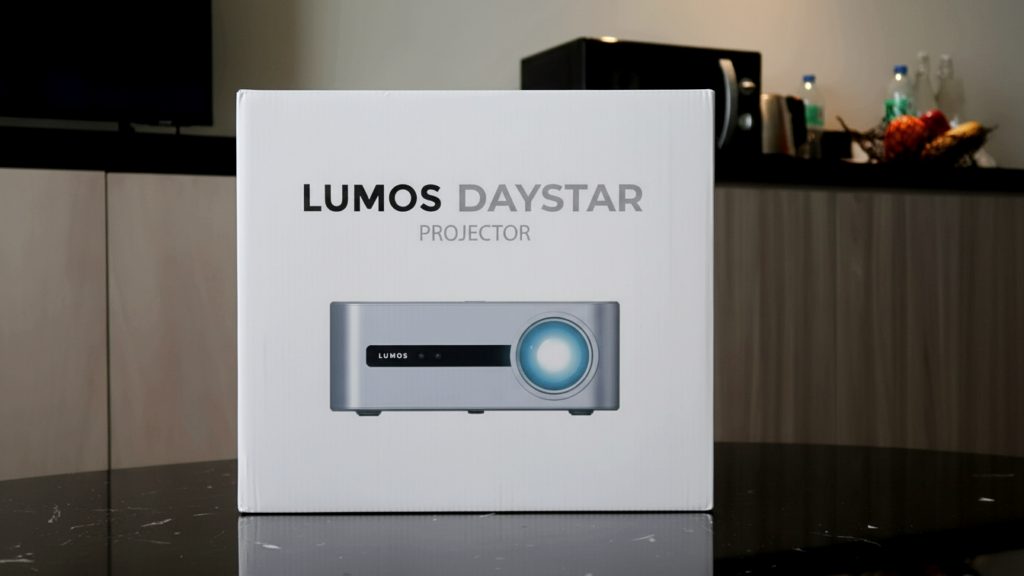
The New Year often comes with a desire to refresh our homes, not necessarily with something extravagant, but with purchases that bring the family together. The LUMOS DAYSTAR Projector feels like one of those thoughtful upgrades, especially for parents and moms looking to create more shared moments at home.
Building on LUMOS’ previous models, the DAYSTAR offers noticeable improvements that make it ideal for family movie nights, school presentations, and big-screen viewing without the need for a bulky TV.
🔆 Brightness & Image Performance
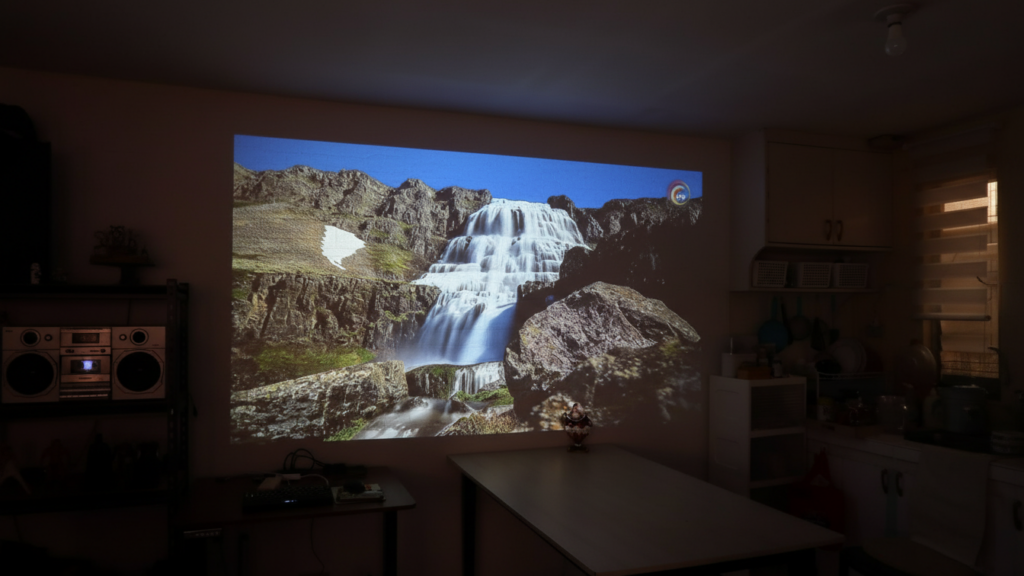
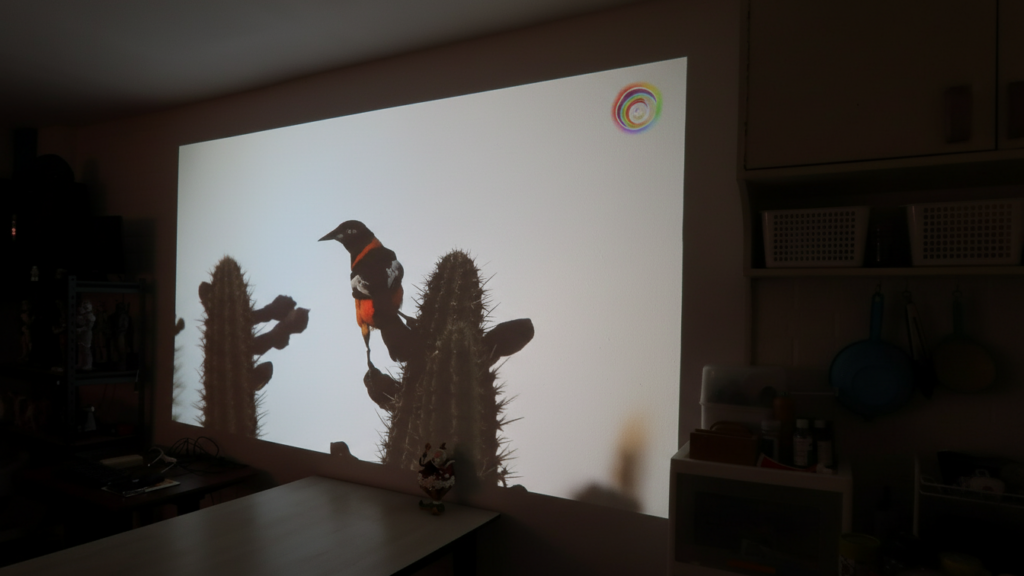
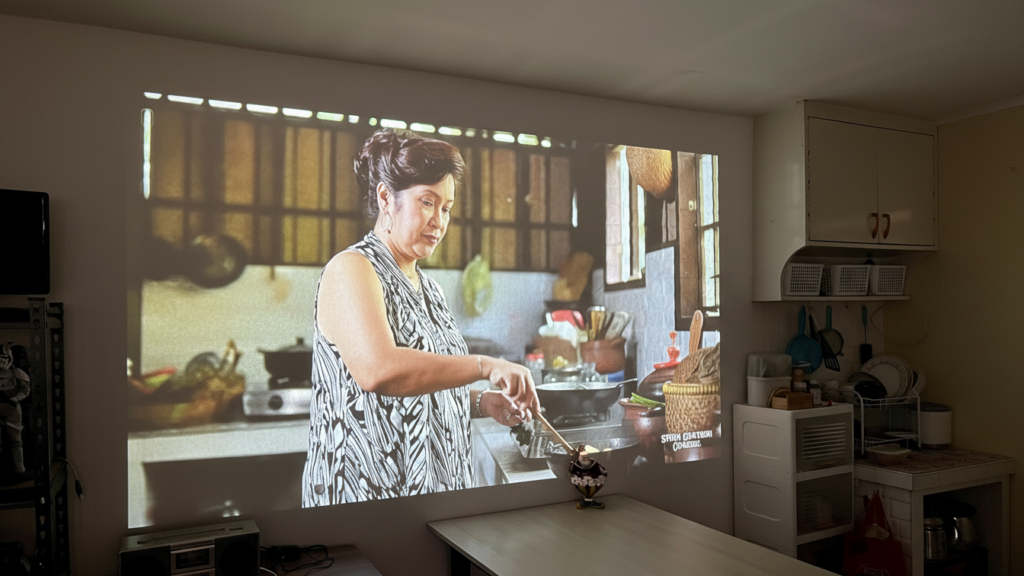
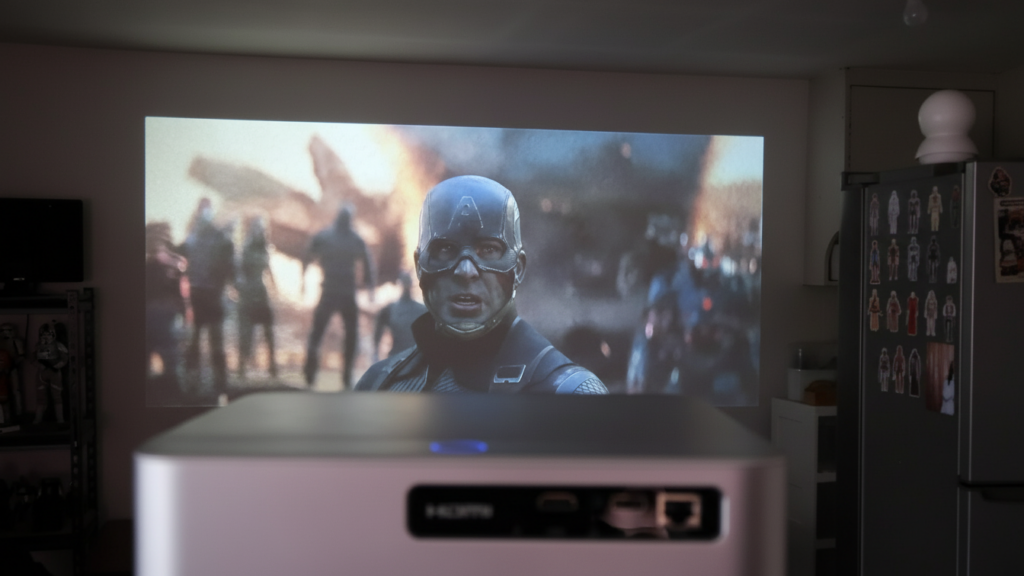
One of the first things you’ll notice is the improved brightness, which is significantly better than earlier LUMOS projectors. It performs well even with some ambient light, meaning you don’t always have to black out the room—something busy moms will appreciate.
It features native 1080p resolution with 4K support via USB playback, allowing family movies, animated films, and downloaded content to look sharp and vibrant. Streaming apps like YouTube and Netflix are limited to 1080p, which is a common app restriction, but for everyday family viewing, the quality is more than enough.
I do wish it included a manual brightness adjustment, especially for quieter evenings or darker rooms, but the default brightness works well for most home setups.
📐 Keystone & Auto Adjustment
The automatic keystone correction is especially helpful in real homes where the projector isn’t always perfectly centered. Whether it’s placed off to the side or slightly angled, the DAYSTAR adjusts the image automatically.
It also has an automatic displacement feature, so if the projector gets bumped (very possible with kids around), it re-adjusts the screen on its own. While extreme keystone correction can make focusing slightly trickier on one side, this is a small compromise for the convenience it offers.
🎥 Sound & Audio
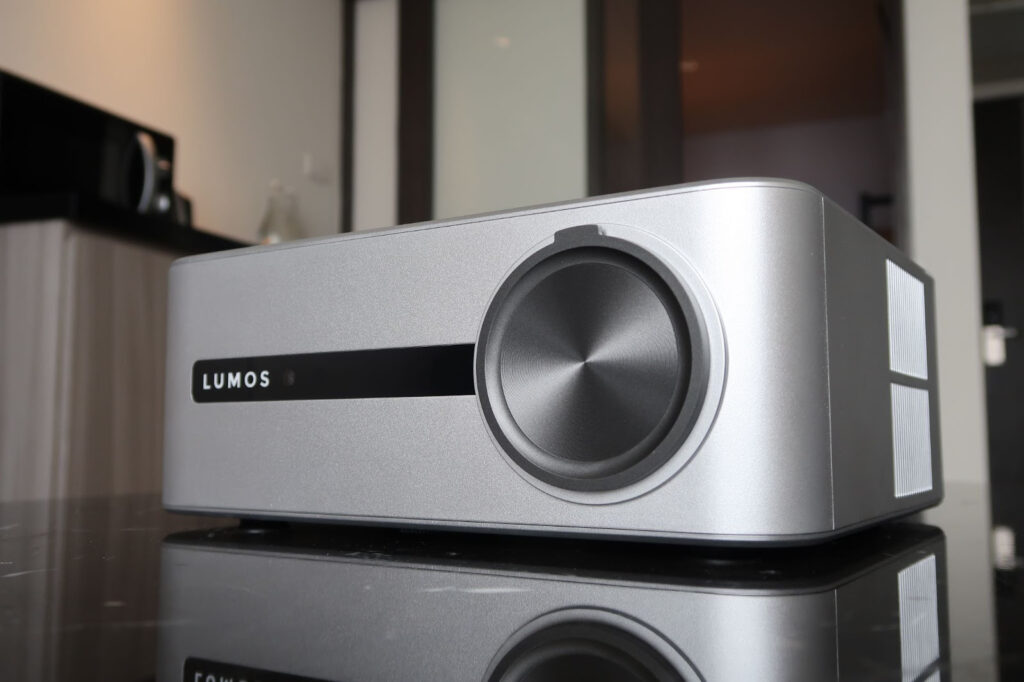
The DAYSTAR comes with dual built-in stereo speakers (4Ω 3W × 2) that deliver clear and balanced sound. They’re perfectly fine for casual movie nights, YouTube videos, or school-related content.
For more special occasions like New Year family gatherings or weekend movie marathons connecting external speakers enhances the experience even more. Motor noise is minimal, so it doesn’t distract from dialogue or background music.
🧱 Design, Weight & Placement
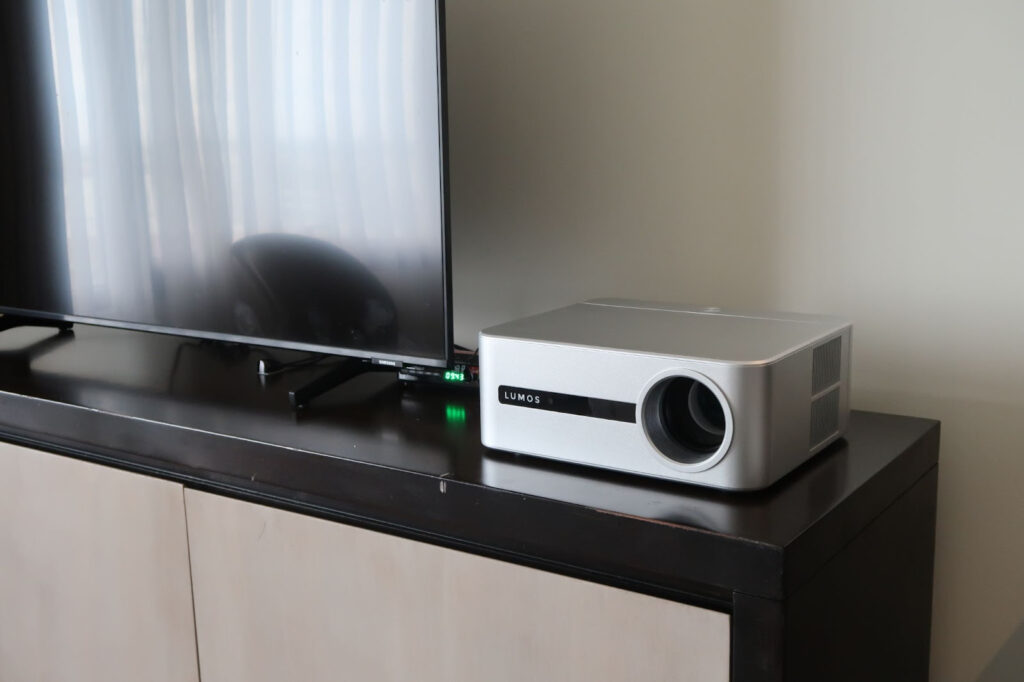
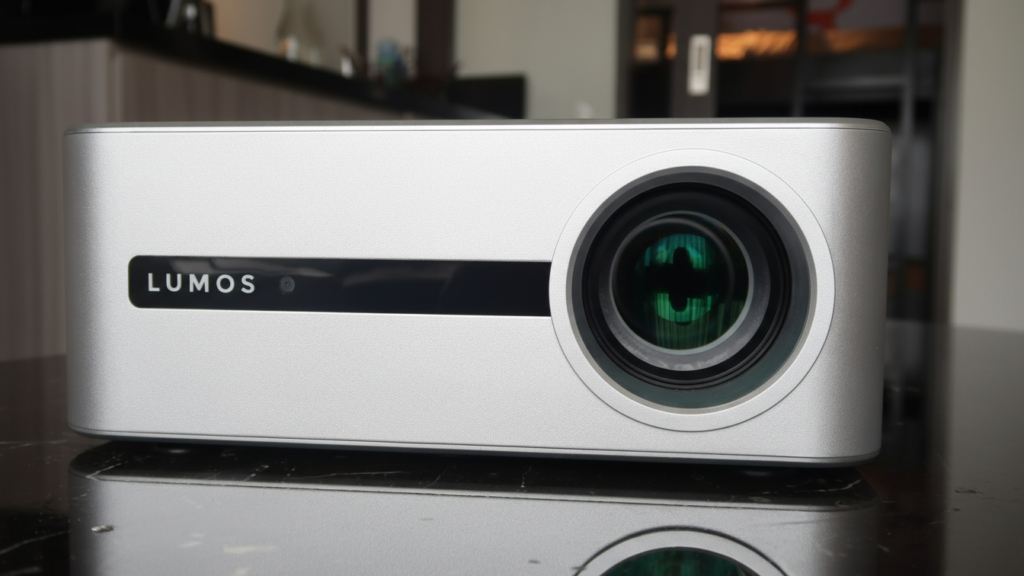
Compared to earlier LUMOS models, the DAYSTAR is noticeably heavier, so a sturdy and stable stand is important. Unlike models such as the LUMOS FLOAT, it doesn’t tilt on its own, making an adjustable-height stand a practical add-on for home use.
It supports short-throw projection, allowing screens of up to 200 inches at around 2 meters, which works well for living rooms, family rooms, or even small gatherings. It’s also compatible with standard wall or ceiling mounts.
One small thing to note for parents: it uses a Type G (3-pin) plug, so depending on your home setup, a universal adapter may be needed.
One minor limitation: it uses a Type G (3-pin) plug, so a universal adapter may be needed depending on your region.
🎮 Remote Control & Controls
The remote is refreshingly straightforward and easy to use:
- Dedicated focus adjustment buttons
- A quick-access keystone correction button
- No voice control, but all essential functions are easily accessible
This simplicity makes it easy for other family members and even older kids to operate without constant help.
⚙️ First-Time Setup Tips
To make your New Year setup smoother:
- Update the system right away for better performance
- If you experience a YouTube compatibility issue:
– Connect the DAYSTAR Projector to your internet
– Restart twice within 10 minutes
Please Note: YouTube issue might occur as there is a new update patch. The good news is that periodic software patches are automatically pushed to the projector. You only need to restart it for the update to take effect—completely hassle-free.
These small steps help avoid frustrations during first use.
🔌 Ports & Connectivity
The DAYSTAR offers flexible connectivity options suitable for family needs:
- HDMI – laptops, gaming consoles, or TV boxes
- USB – movies, photos, or media playback
- AV port – older devices
- LAN (Ethernet) – stable wired internet connection
It supports screen mirroring from both iOS and Android devices and runs on Android OS 9.0, allowing access to streaming apps like Netflix and YouTube.
✅ Final Verdict
For moms and parents, the LUMOS DAYSTAR Projector is a practical New Year purchase if you’re looking to:
- Enjoy bigger, more meaningful family movie nights
- Share a screen for kids’ school work or presentations
- Upgrade home entertainment without committing to a large TV
While tilt adjustment and manual brightness control would be welcome additions, the DAYSTAR delivers where it matters most—bright visuals, easy setup, and family-friendly usability. It’s a home upgrade that encourages more time together, right at home.
You can check and order the LUMOS DAYSTAR Projector through their Official Website: lumosprojector.ph/daystar